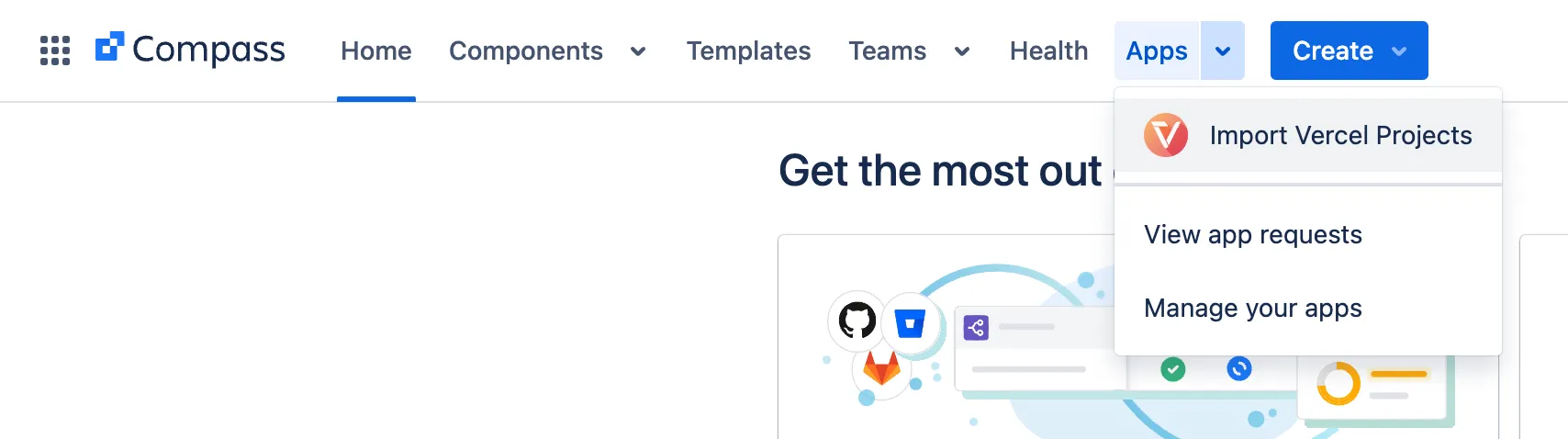
Open the main page to import Vercel projects in the top navigation bar:
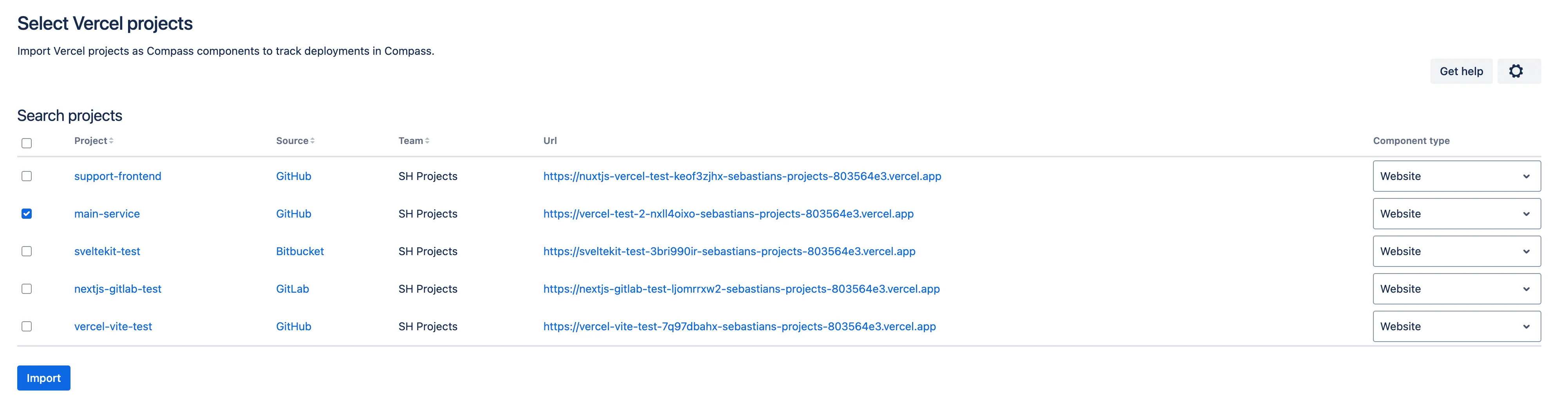
The page loads and shows you a list of projects that you have access to with your configured API token. You can pick one or all projects to import:
For each project to import, you can select which Compass component type it should get. (Soon you can also select the team that owns this project) Then click Import:
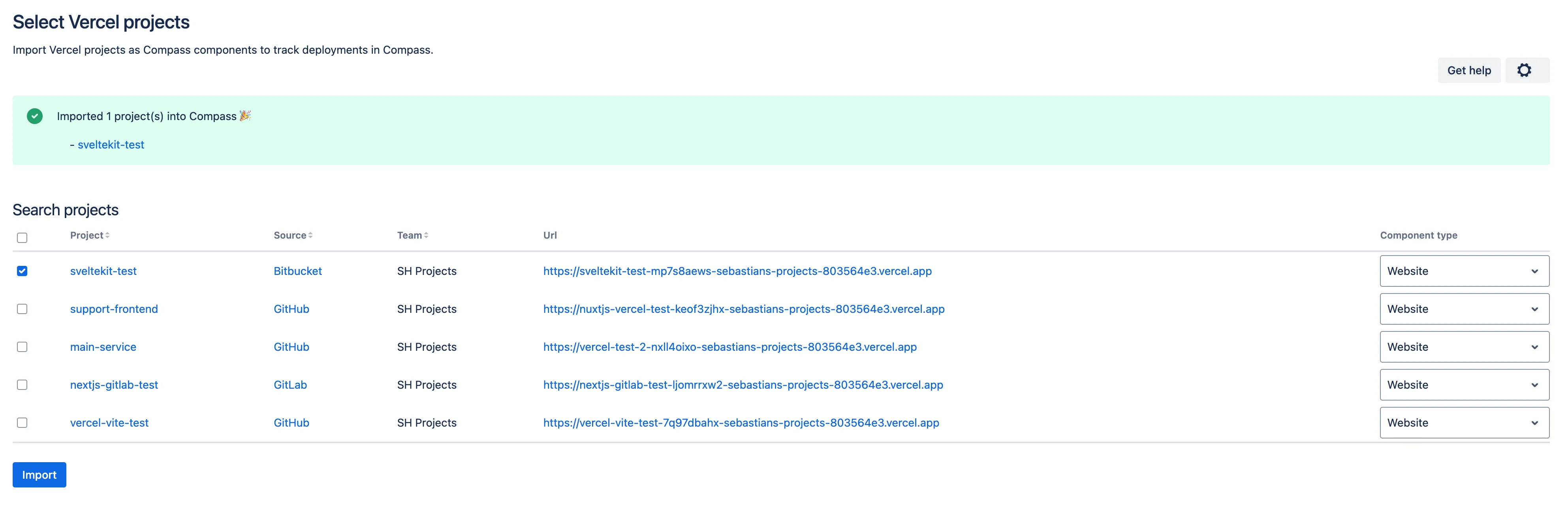
If everything succeeds, you have imported your first project from Vercel into Atlassian Compass. Congrats 🎉 You can click on the link in the success message and open the component.