
Connecting Existing Components with Vercel Projects - Vercel for Compass
If you have an existing component and want to connect it with a Vercel project, you can link both together. To do so, just add the url of your Vercel project page to a Compass component. Here’s how to do it:
-
Get the url of your Vercel project, e.g.
https://vercel.com/sebastians-projects-123456/my-vercel-project -
Open a Compass component → on the right sidebar you can add a link as “Project” or “Dashboard” (whatever you prefer) like this:
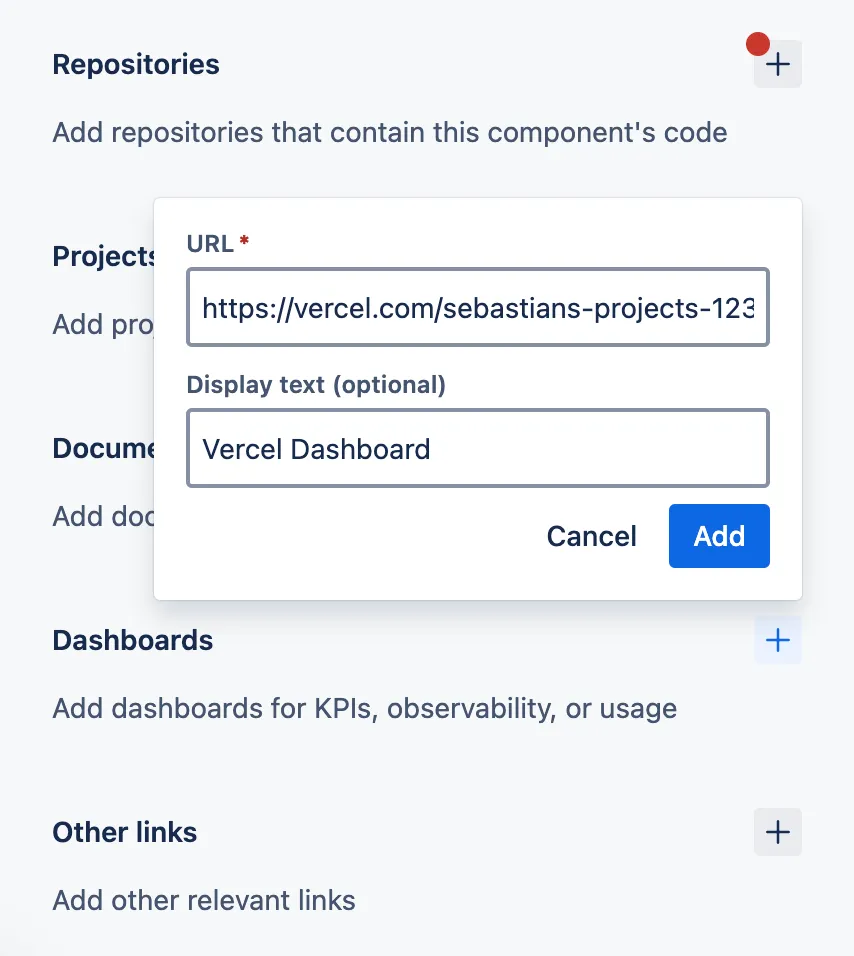
- After adding it, Vercel for Compass will connect the component with your Vercel project and establish a data connection. If you refresh the page, you’ll see a small label showing the status:
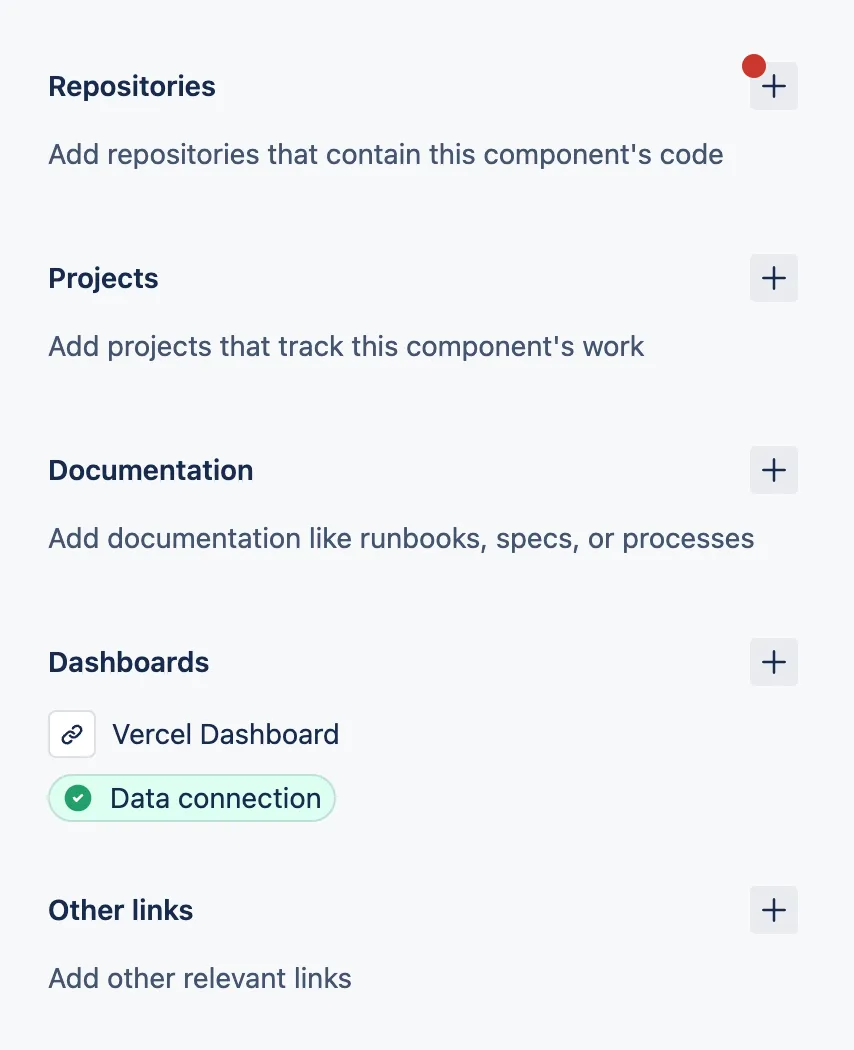
- That’s it! Every new deployment will appear in your component’s activity now and the metrics are automatically being populated.