Export Archived and Pending Components - Component Exporter
By default, a component export only includes active components. However, it’s possible to export archived or pending components as well.
-
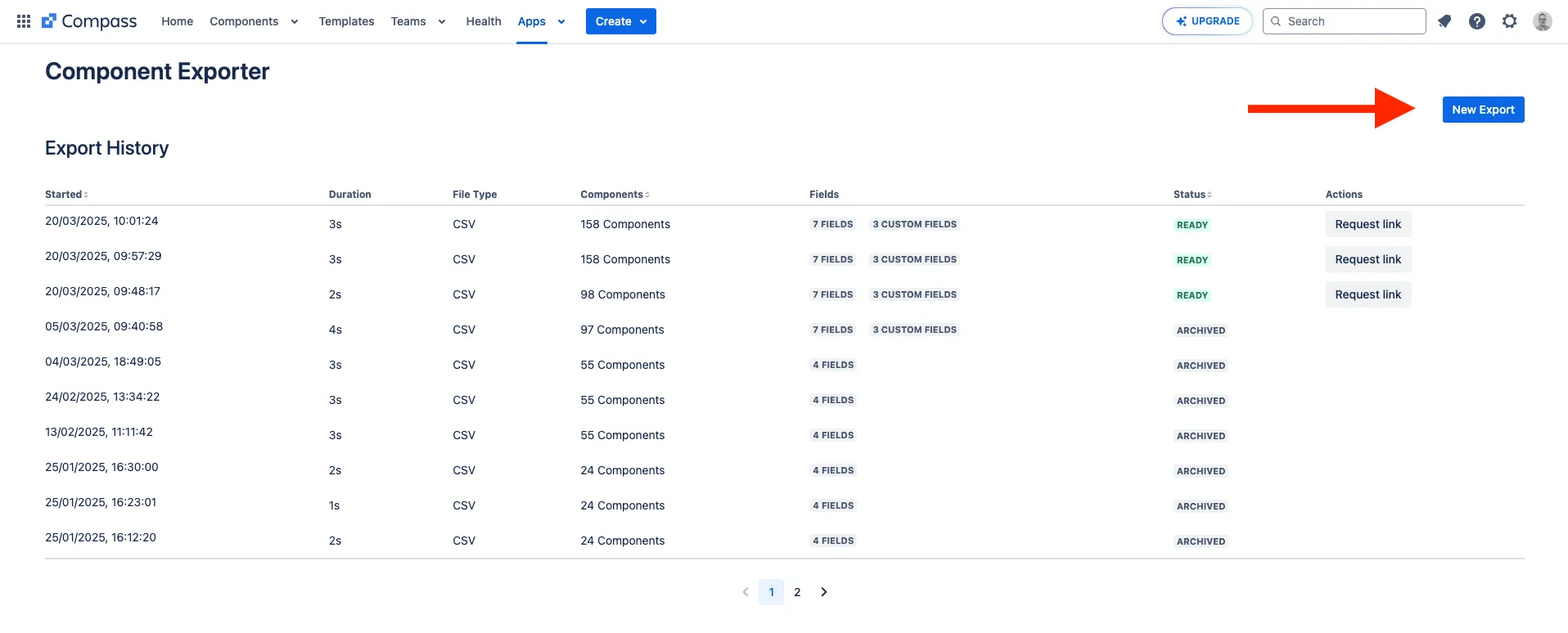
Create a new export:
-
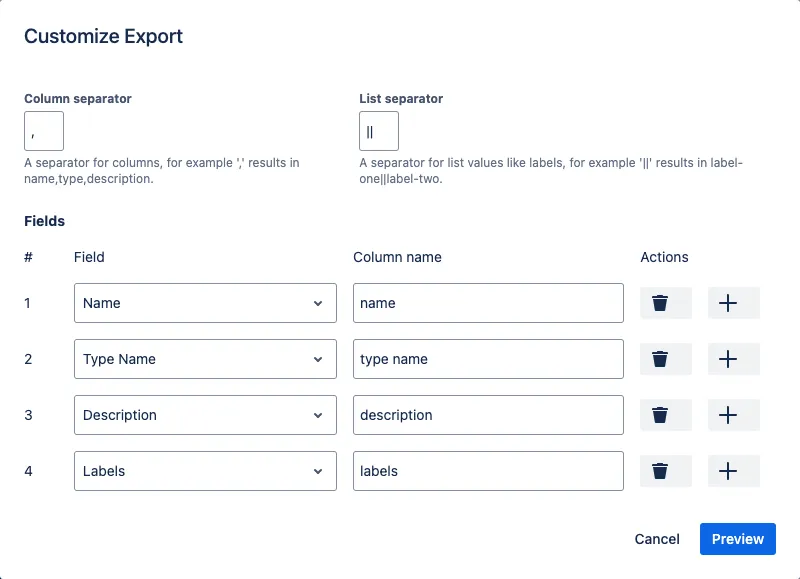
Customize the export by adding the fields you want to export, then click Preview:
-
Enable Include Archived or Include Pending at the top of the preview table:
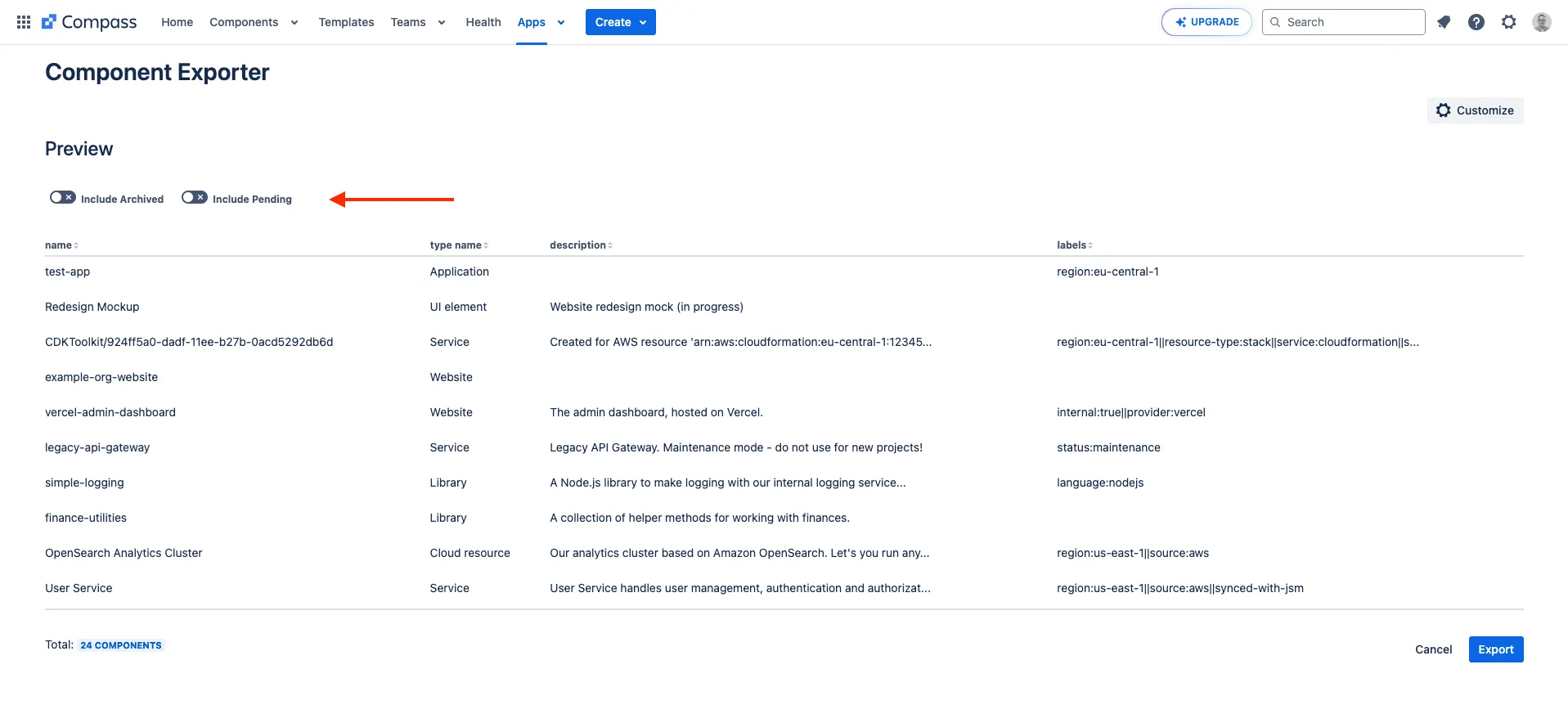
You should notice that the number of total components at the bottom changes.