All products
Vercel for Compass logo

Vercel for Compass

Pull every Vercel project — and its live deployments — into your Compass service catalog automatically.

Free Powered by Atlassian Forge
Features

Why teams use Vercel for Compass

Catalog every Vercel project in Compass in one click

Browse every project in your Vercel account and pull them into Compass as components with the right component type pre-selected. Run it once for a bulk import, or come back later to add new projects as they appear.
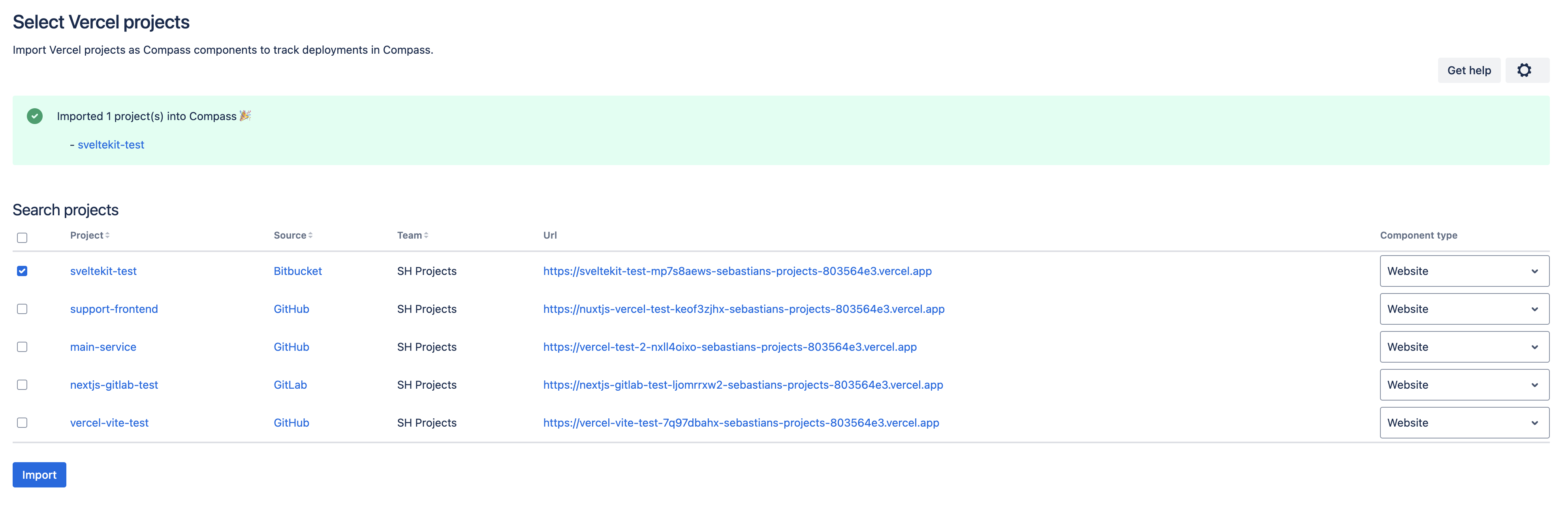
Map Vercel projects to existing components — no duplicates

Already mapped your services in Compass? Paste a Vercel project URL onto any existing component to link the two. No duplicates and no manual cleanup.
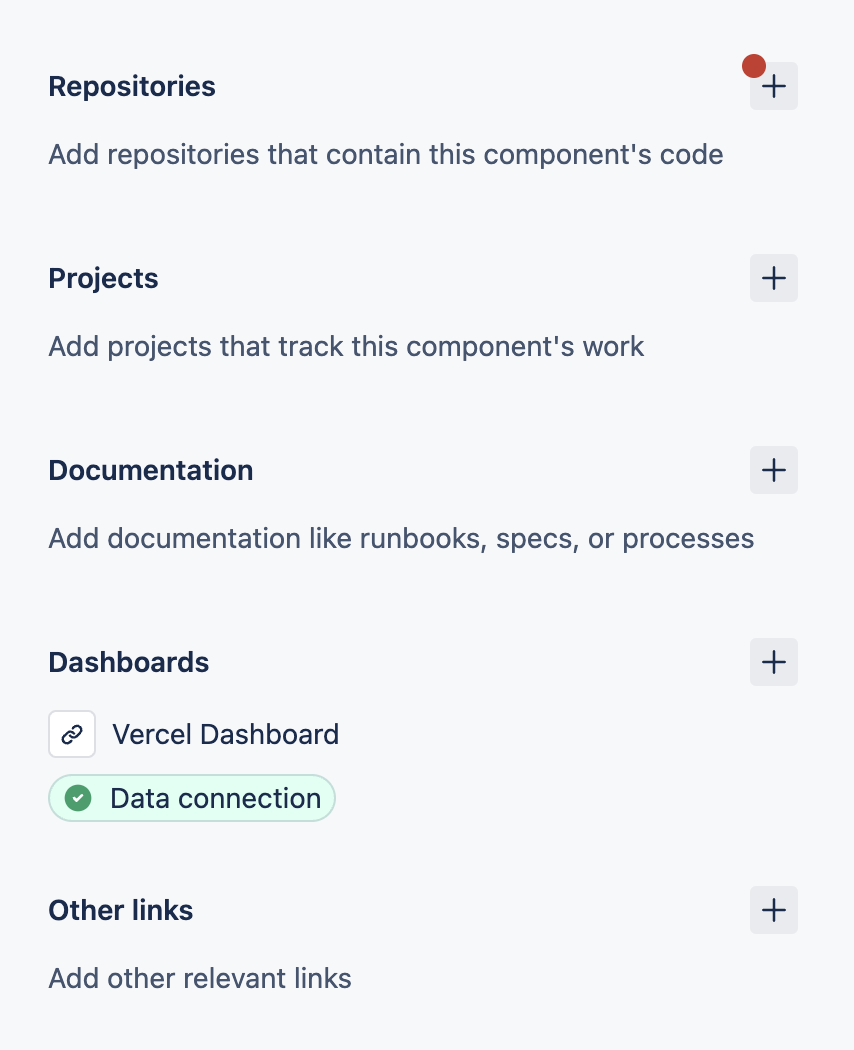
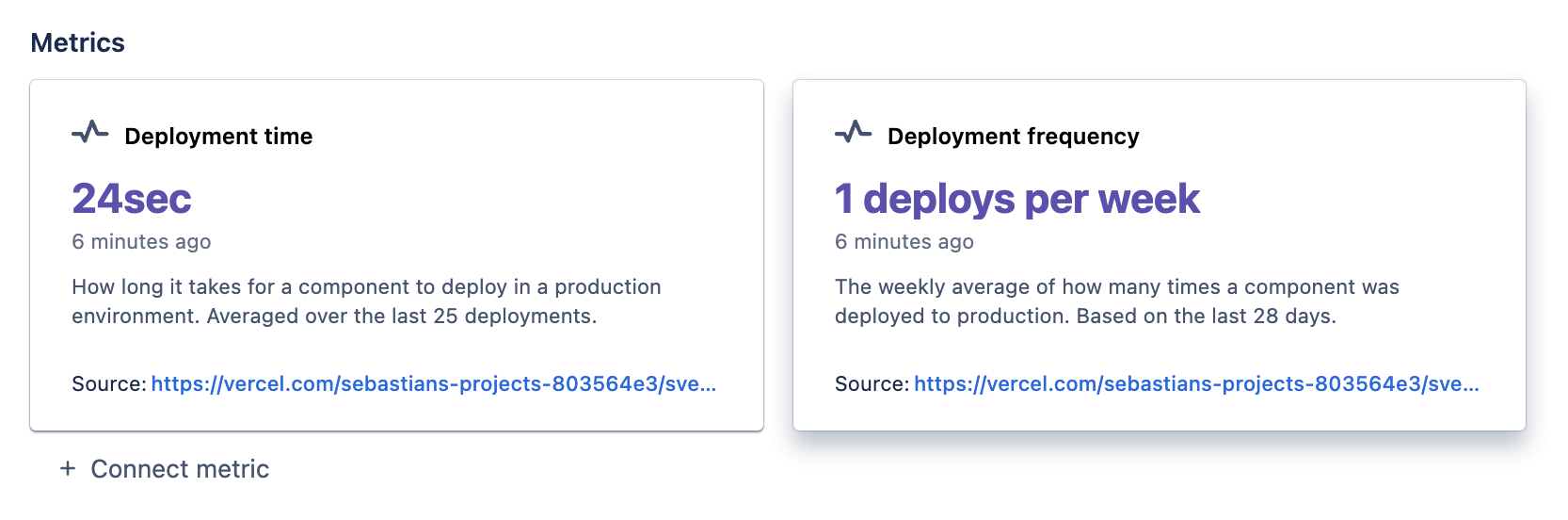
Live deployment metrics in Compass — zero glue code

Every new deployment shows up in the component activity feed within seconds and feeds Compass metrics like deployment frequency. No extra setup on your side.

FAQ

Common questions

What is Vercel for Compass?
Vercel for Compass is an Atlassian Marketplace app that pulls your Vercel projects into Atlassian Compass as components and keeps their deployment activity and metrics in sync automatically.
Who is it for?
Teams that use Atlassian Compass for their service catalog and Vercel to deploy frontend or full-stack projects. If you want both views to agree, this app keeps them aligned.
How do I install Vercel for Compass?
Install it from the Atlassian Marketplace, open the app inside Compass, and add a Vercel API token so it can read your projects. The Get started guide walks through every step.
Is it free?
Yes. Vercel for Compass is free to install and use from the Atlassian Marketplace.
What data does the app access?
It uses the Vercel API token you provide to read project metadata and deployment events, and writes them to your Compass site. See the data security page for the full picture.

Ready to install Vercel for Compass?