All products
Component Exporter logo

Component Exporter

Export your Compass components to CSV — you pick the fields, separators, and lifecycle states.

Free Powered by Atlassian Forge
Features

Why teams use Component Exporter

Every component in a spreadsheet in 10 seconds

Pull every component (active, pending, or archived) into a CSV that opens directly in Excel, Google Sheets, or your data warehouse. No scripting and no Atlassian API calls required.
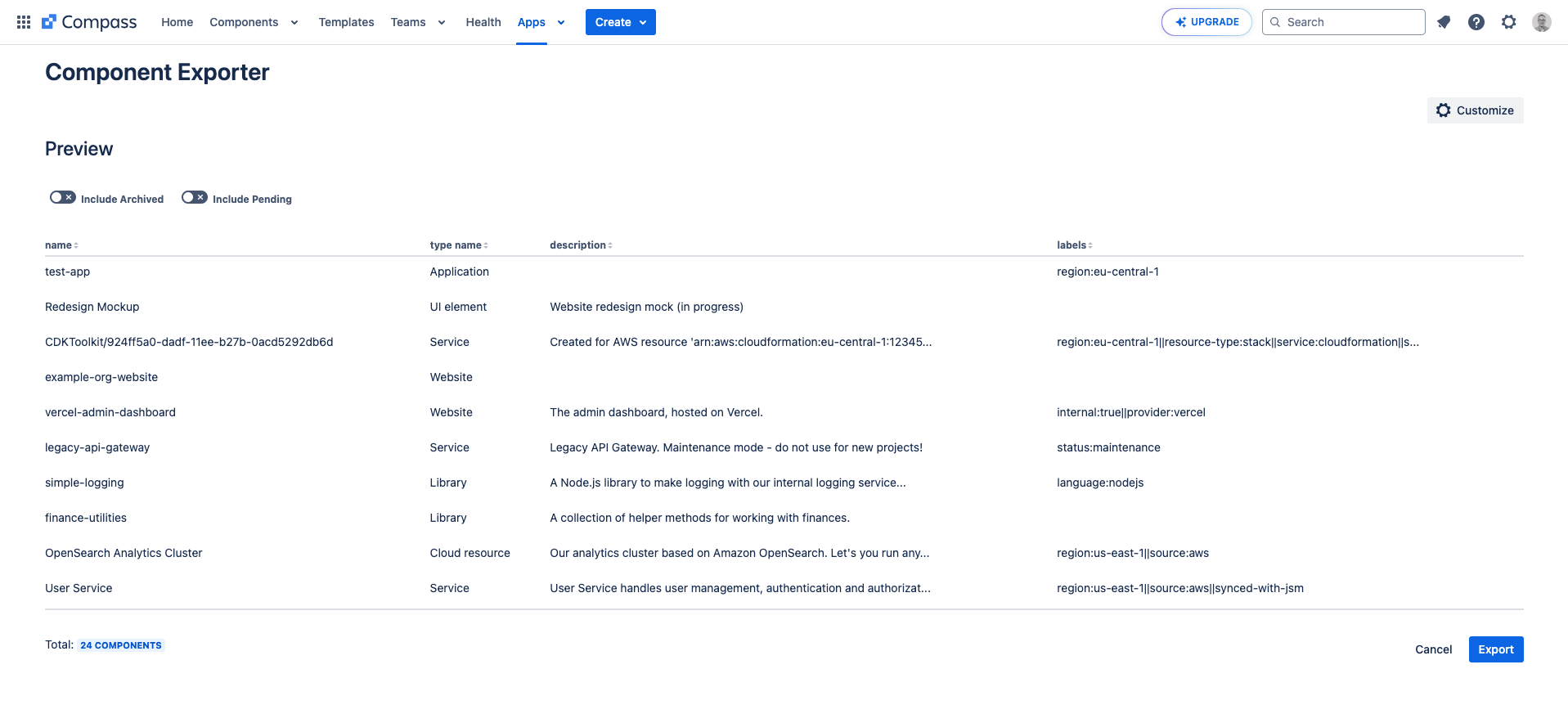
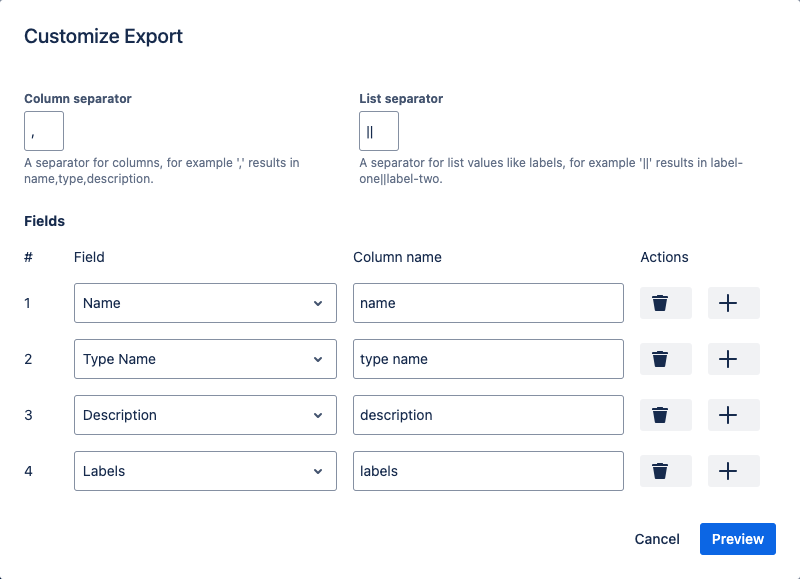
Choose exactly which fields land in the CSV

Choose which standard and custom fields to include, set the column and list separators, and preview the result before downloading.
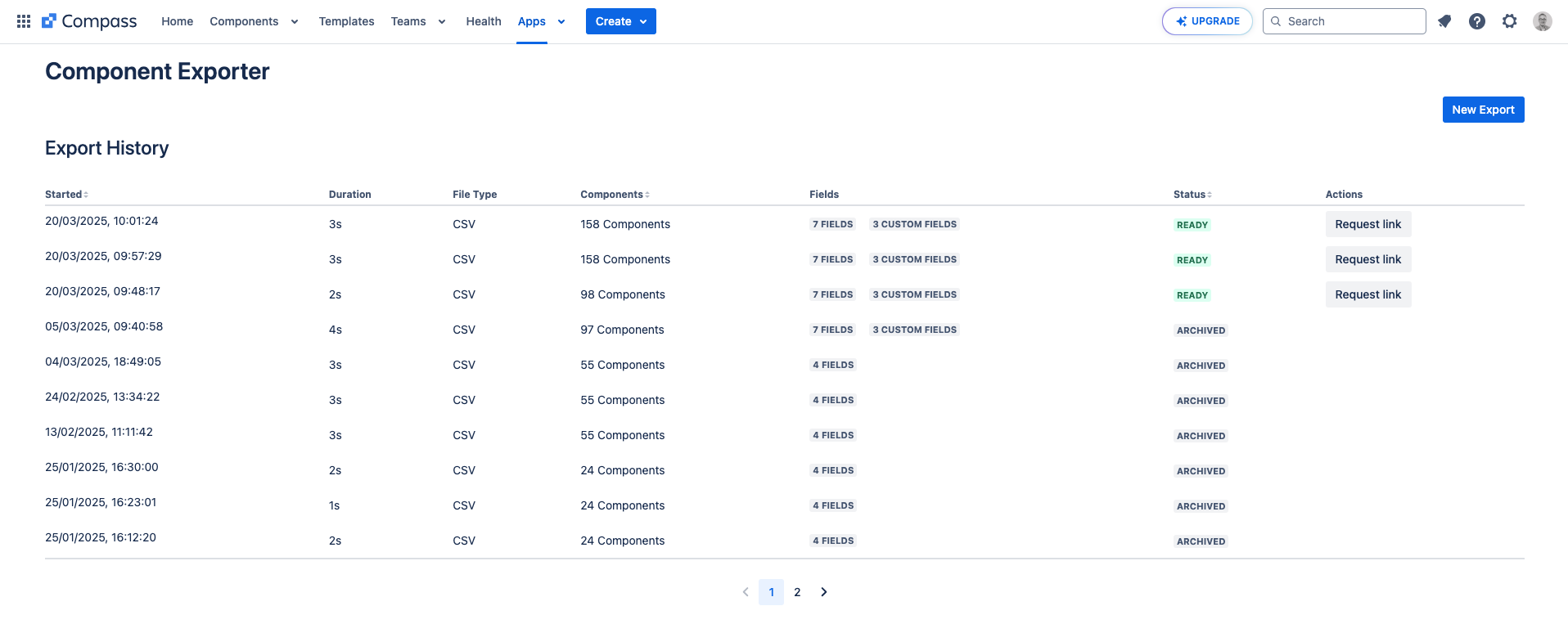
Re-download any export from the last 24 hours

Every export stays available for 24 hours, so you can re-download yesterday's snapshot without running it again.

FAQ

Common questions

What is Component Exporter?
Component Exporter is an Atlassian Marketplace app that exports your Compass components (active, pending, or archived) to a CSV file, with full control over which fields are included.
Who is it for?
Anyone who needs Compass component data outside Compass: reporting, audits, data-warehouse loads, or quick analysis in Excel and Google Sheets.
How do I install Component Exporter?
Install it from the Atlassian Marketplace and open it from the Compass top navigation. The Get started guide walks through your first export.
Is it free?
Yes. Component Exporter is free to install and use from the Atlassian Marketplace.
What formats does it export?
CSV today, with full control over column and list separators and which fields are included. Excel and Markdown are on the roadmap.

Ready to install Component Exporter?